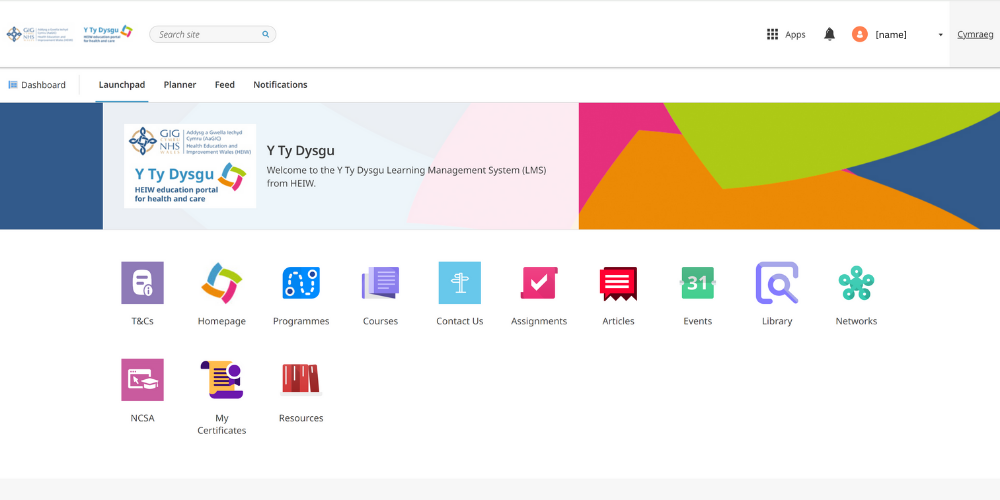
How to register for Y Ty Dysgu
Fill in form
Step 1
Only create ONE account,
Click 'Sign up'.
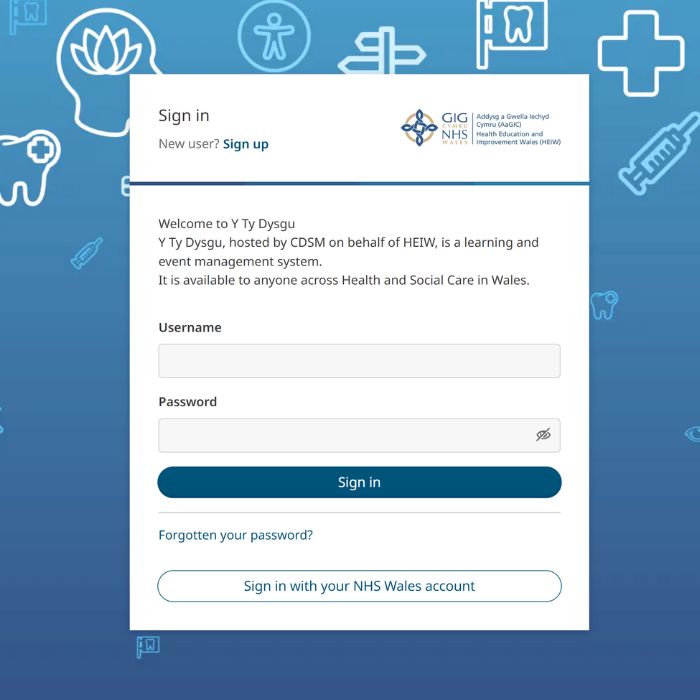
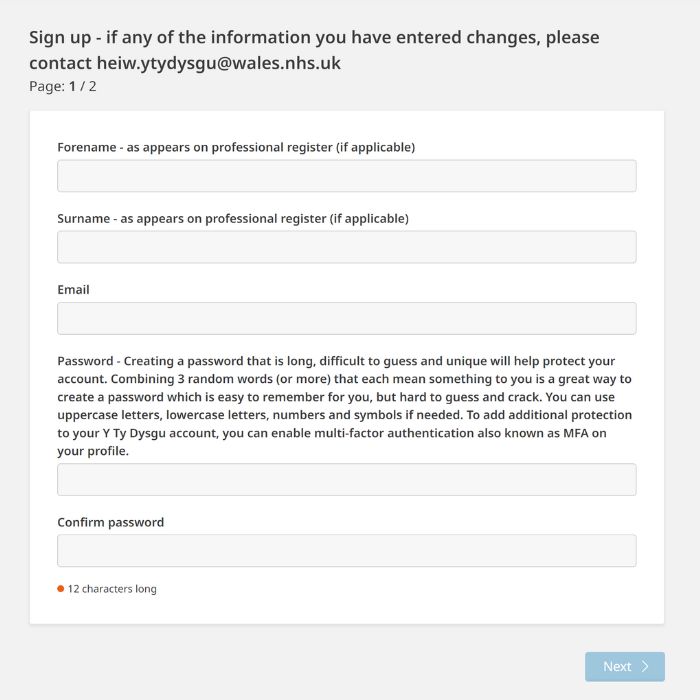
Step 2
Password needs to be 12 characters or more.
Complete all fields.
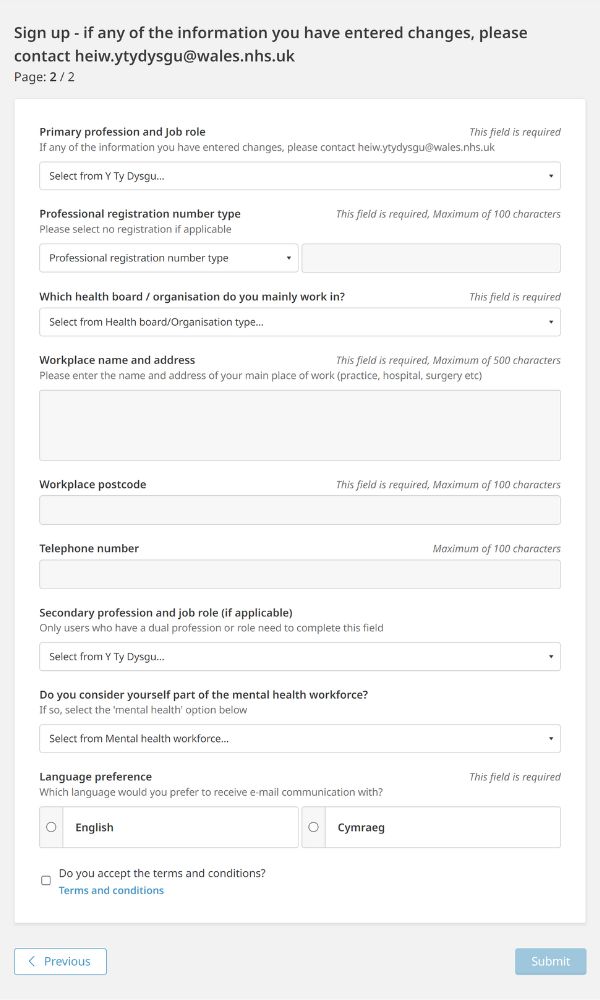
Step 3
Profession and job role
When you sign up you will be prompted to add your ‘Primary Profession’. You will then be prompted to add your primary role. If you work in more than one sector of practice/undertake more than one role, please select your main role and if applicable, you will be able to enter a secondary sector/role later in the registration stage. For example, if you are a Designated Supervisor or similar, add that as a 2nd role.
Workplace name and address
If you are a Locum, please use Locum + use your home address as your workplace address.
When you sign up you will be prompted to add your ‘Primary Profession’. You will then be prompted to add your primary role. If you work in more than one sector of practice/undertake more than one role, please select your main role and if applicable, you will be able to enter a secondary sector/role later in the registration stage. For example, if you are a Designated Supervisor or similar, add that as a 2nd role.
Workplace name and address
If you are a Locum, please use Locum + use your home address as your workplace address.
Complete all fields using the drop down options.
Verify email
Step 4
On sign up you will receive an initial email with a link to verify your set up request. If you don’t receive an email, please check your Spam and Junk folders.
If you still don’t receive an email, then you may already have an account. Try logging in or use the forgotten password link if you cannot remember your password.
Failing these options please contact us for further support on HEIW.ytydysgu@wales.nhs.uk
If you still don’t receive an email, then you may already have an account. Try logging in or use the forgotten password link if you cannot remember your password.
Failing these options please contact us for further support on HEIW.ytydysgu@wales.nhs.uk
You will need to go to your emails to verify your email address.
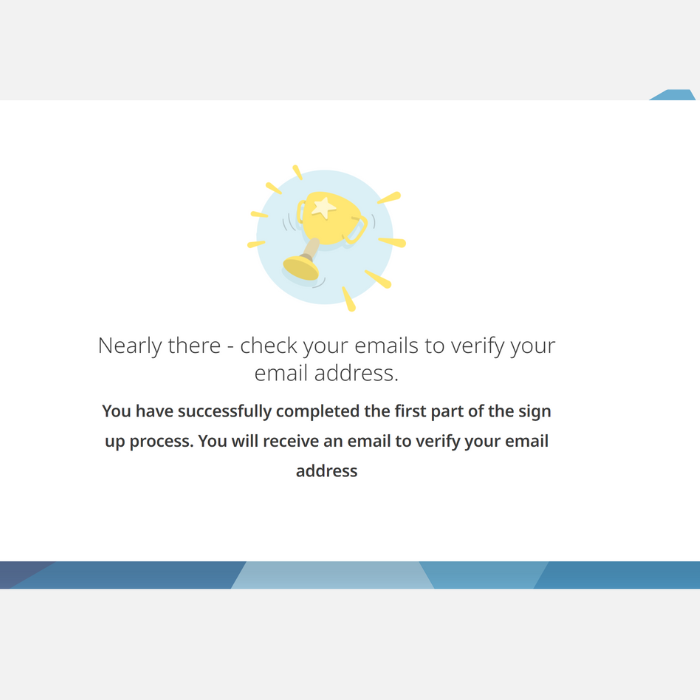
Step 5
You will receive this email. Click the link to verify your email address.
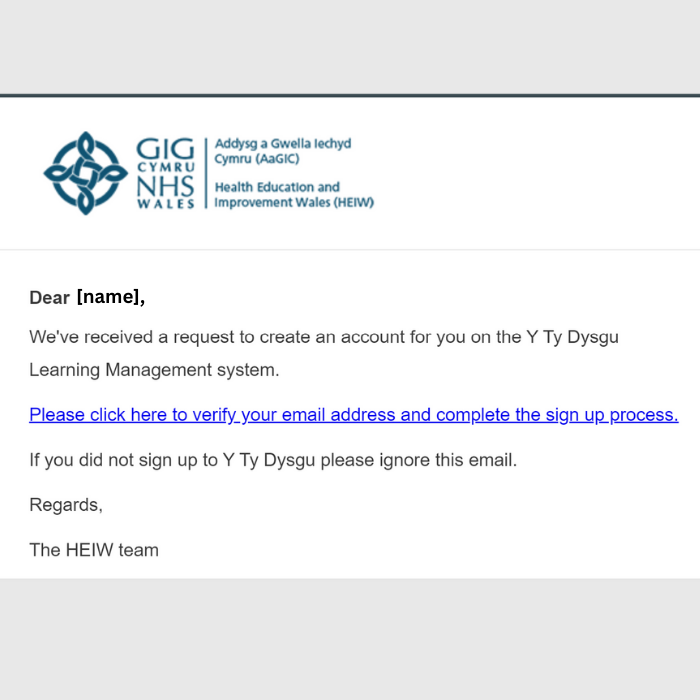
Step 6
HEIW will now need to ‘approve’ your account. Approval may take up to 1 working day. When approved, you will receive an email inviting you to log in.
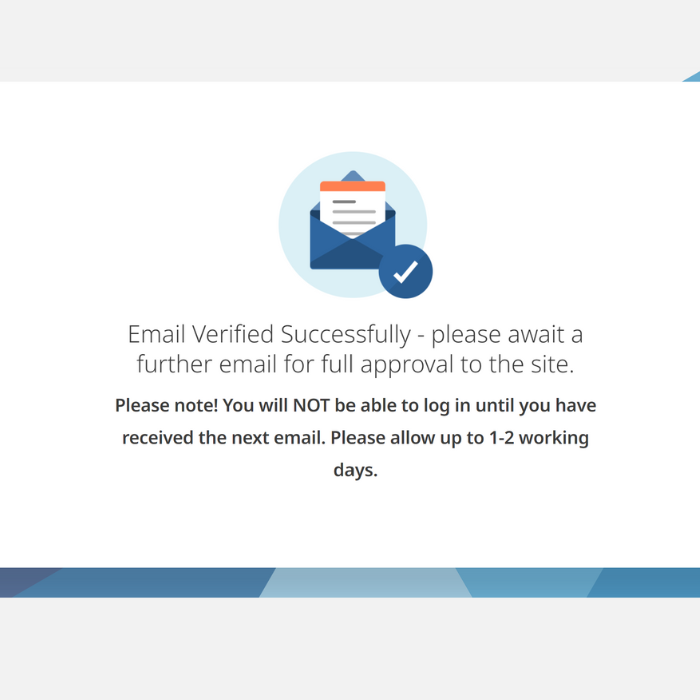
Step 7
You will receive this email. Click the link to finalise the sign up process and log into Y Ty Dysgu.
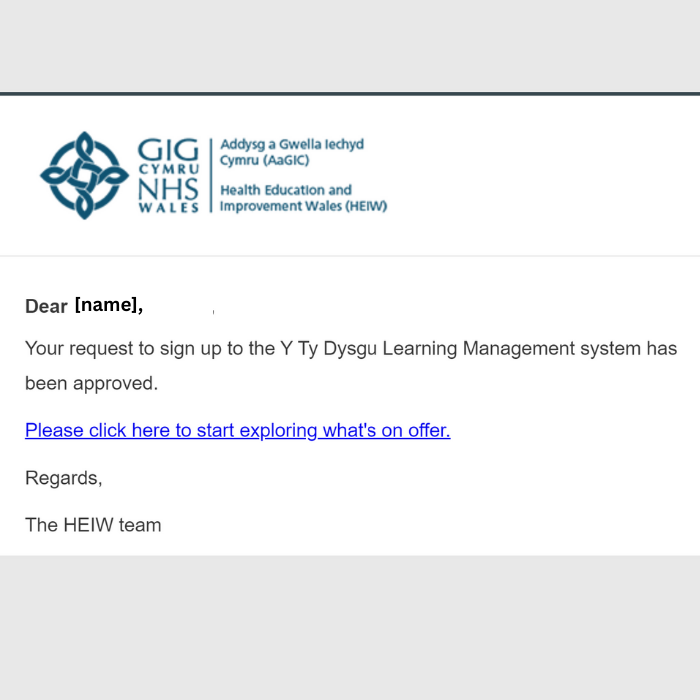
Sign in
Step 8
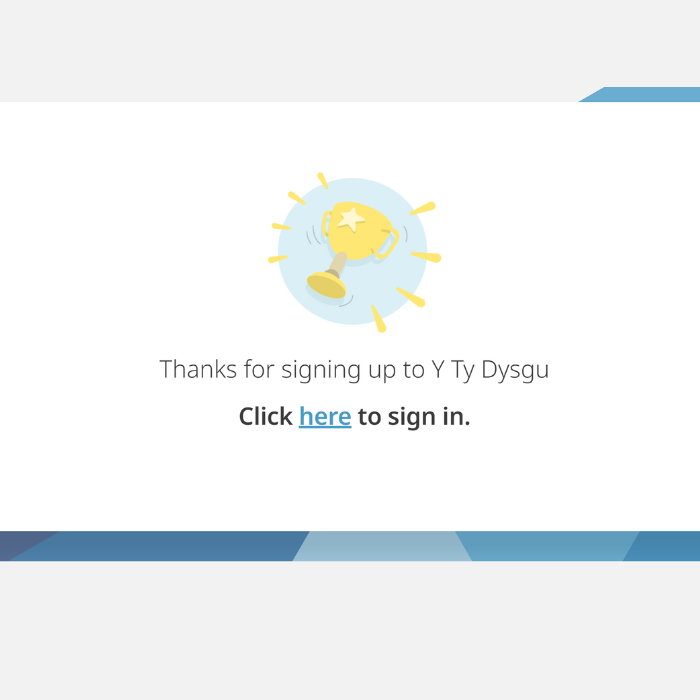
Click ‘here’ to sign in.
Step 9
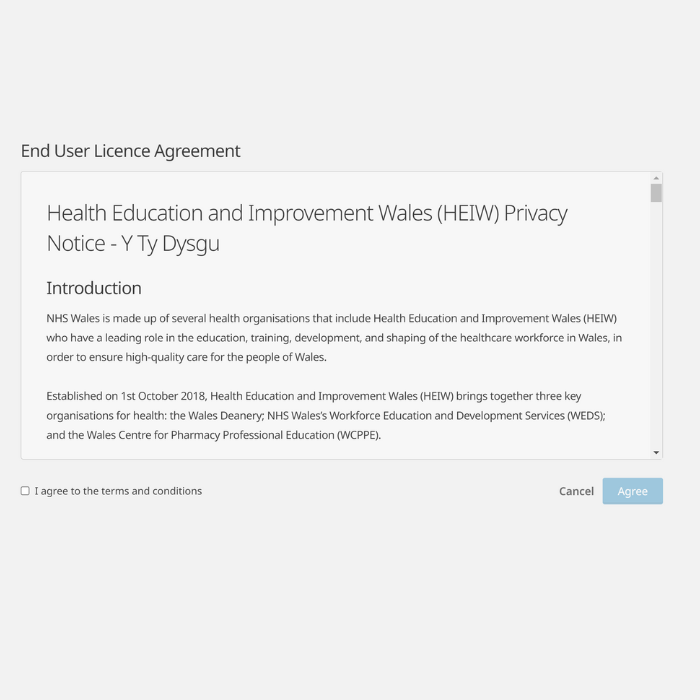
Read and accept the terms and conditions.
Step 10
You have reached your dashboard and can now start navigating the site!